
Mobile app retention in Los Angeles starts with one unavoidable truth: LA users compare everything to the best apps on their home screen. They look at an app from Joe’s Diner down the street the same way they look at an app from Chili’s or TGI Fridays. Retention comes from behavior fit, not feature volume. Put another way, you are far more likely to have your customers keep your app on their phone if the features fit their lives, not if there’s a long list of beautiful, clever features. Visual quality is baseline here. What matters is whether the app fits their routines.
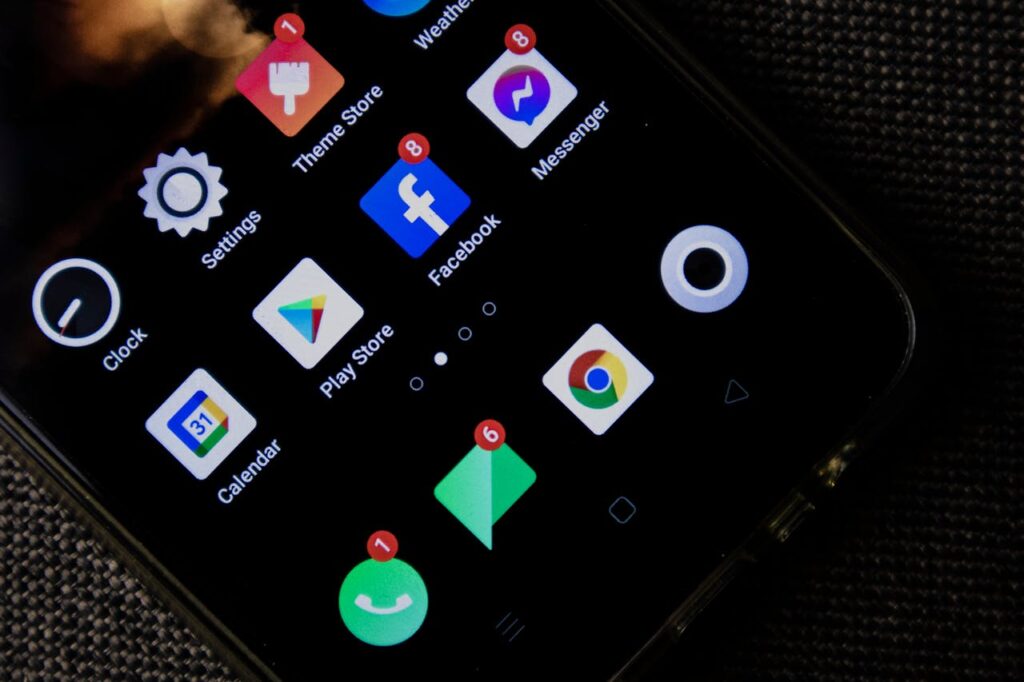
Local Decision Context: Mobile App Retention in Los Angeles
Entertainment moves fast. The industry is constantly evolving and people expect that from their apps. They want frictionless use. They are extraordinarily impatient with apps that make them wait. The decision to delete an app happens in seconds, so your app needs to be more responsive than a person’s decision to delete it. Once a user has discovered a genuine use for an app, they’re more tolerant of inconsistencies or problems. But you have to get them to that point first. Usage fit is how you do that. In LA, as everywhere else, if an app needs a tutorial to survive, adoption is going to be very fragile.
Where Leadership Gets Mobile App Retention Wrong
One of the most frequent mistakes is building an app loaded with features nobody asked for, rather than clear flows that take the user from opening the app to concluding their business. Not to single out one industry, but banking apps tend to have far too many features rather than simple access to what 90% of users are actually there for. Most people opening a mobile banking app are depositing checks, checking balances, and transferring money. Those three transactions make up the vast majority of all activity inside the app. Making those easy is how you get mobile app retention. Everything else is noise.
Every new feature increases cognitive load, even when it looks impressive. People don’t want to think about their app. They want it to simply respond to what they need.
What Works in Mobile App Retention in Los Angeles
1. One primary job the app does well. What is the one thing your customers want to do each time they open your app? With most apps, north of 75% of all transactions are identical. Figure out what that action is and build around it.
2. One default action per screen. Design each screen to give clear access to one action. There will be a menu and some secondary actions, but what is the one thing your customers want on that screen? Lead with that.
3. A no-account experience where possible. Don’t force new users to create an account. Let them use it as guests. They’re not going to hand over their information until they’re certain this is something they actually want to use.
4. Faster perceived response over raw speed. There are times when you can increase the perception of responsiveness by changing how the app interacts. If something takes time to complete, give your user small feedback signals throughout the process so they feel like the app is responding to them.
5. Fewer prompts, more progressive disclosure. Rather than front-loading prompts for information, terms, and conditions, build those in as progressive disclosure. As a user reaches a new area of the app, that’s when you introduce what’s relevant to that area.
6. Clear error states that help users recover. Generic errors that don’t tell you what went wrong are one of the biggest problems in apps and websites. A vague error message is going to send people straight to the delete button out of frustration rather than motivating them to solve the problem. Mobile app retention depends on users feeling supported, not confused.
7. Habit hooks tied to existing routines. Great mobile apps are built on the usage habits of their users. Building in hooks that make it easy for users to develop a flow with your app will make them loyal to it.
8. Accessibility is standard, not an add-on. Almost all accessibility features can be used by people who aren’t disabled. Build accessibility in from the beginning of development, the same way you build in security, not as an afterthought.
9. Instrument for drop-off points before scaling spend. Before you spend money improving your app, make sure you have clear data on exactly where you’re losing people. This is not a job for instinct. You should have substantial data before you change anything.
Looking at day-one and day-seven retention, session completion rates, and the most common dead-end screens will tell you where to focus. Without that information, you’re burning money. Mobile app retention work done without data is just guessing with a budget.
The right time to improve your mobile app is when you stop debating features and start mapping micro-interactions. That’s when you’re ready to bring someone in to make real changes.
Here’s a link to an article from the University of Cape town that digs into mobile app retention from a scholarly perspective: https://www.researchgate.net/publication/371509912_Factors_that_influence_user_retention_in_mobile_apps
Learn how LA App Developers will help you build an app that users will keep: https://laappdevelopers.com/la-apps-development/
Frequently Asked Questions
What is mobile app retention and why does it matter more than downloads? Downloads tell you how many people tried your app. Retention tells you how many kept using it. An app with strong downloads and weak retention is an app people are actively deciding to delete.
What is the biggest reason users delete apps? Friction. Apps that are slow to respond, hard to navigate, or require too many steps to complete a simple task get deleted fast. The decision to delete takes seconds.
How many features should a small business mobile app have? As few as possible. Identify the one or two things most users open the app to do and make those effortless. Every additional feature adds cognitive load and increases the chance a user gets lost or frustrated.
What data should I look at to improve mobile app retention? Start with day-one and day-seven retention rates, session completion rates, and your most common dead-end screens. Those three data points will surface most of your real problems.
Does accessibility affect mobile app retention? Yes. Accessibility features improve usability for everyone, not just users with disabilities. Apps that are easier to read, navigate, and interact with get used more and deleted less.